Cybersecurity for cloud applications versus local ones
Historically, businesses stored data locally, on either individual machines or servers. Now, more and more businesses are turning to the cloud for data storage and other services.
The future of everything (work and play inclusive) is an ever increasing range of cloud services delivered with ever increasing scale. These services include Software as a Service (SaaS), Platform as a Service (PaaS), and Infrastructure as a Service (IaaS). There are also the lesser known models, such as Function as a Service (FaaS) and Backend as a Service (BaaS), and there's data storage.
As software architectures change, cyber security risks, and methods for mitigating these are also changing.
Let's compare local, legacy databases (such as Microsoft Access) with their new cloud alternatives.
Cyber security issues with local legacy databases
There is no shortage of local legacy databases, but we'll focus on Microsoft Access, which is easily the most popular.
Did you know: DB-Engines Ranking ranks database management systems according to their popularity, and Access is still 9th!
Access provides four main layers of security:
- password protecting your database;
- applying workgroup security parameters;
- data encryption; and
- MDE conversion.
Database password
Password protecting your database provides a basic level of security. To access the database, users need to enter to password. Upon entry, the user gains complete control of the database.
The lack of subtlety in global passwords is their primary drawback. All users have the same access and there's no log or accounting of users and their specific activity.
Workgroup security
A step up from a global password is implementing workgroup security. Workgroup security requires both a username and password, enabling access restrictions on particular features to specific workgroups or users.
Encryption
Another form of protection is encryption. Nothing new here.
Access MDE Version
A database can be protected or locked and its source code compiled by converting the database file into an MDE file. This is recommended when a database needs to be locked, such as when data integrity is more important than ease of access.
Essentially, changes to a standard Access file need to be mirrored in the MDE file, which is significantly more secure and can be locked down.
One additional layer of security local databases (machine or server) can claim is physicality. To access your data, a hacker would need to be in your office, or virtual machining into a local device. This layer of security is a welcome one, however, restrictions on work hours or VMware on local devices can also reduce productivity.
The good old days when a lock on your office door could be counted as part of your 'cybersecurity' are passing.
Security for cloud databases
The Open Web Application Security Project (OWASP) is a non-profit organisation focused on improving the security of software for web.
The common attack vectors for web software are:
- SQL Injection (SQLi)
- Cross Site Scripting (XSS)
- Local File Inclusion (LFI)
- Remote File Inclusion (RFI)
- Remote Code Execution (RCE)
- PHP Code Injection
- HTTP Protocol Violations
- Shellshock
- Session Fixation
- Scanner Detection
- Metadata/Error Leakages
- Project Honey Pot Blacklist
- GeoIP Country Blocking
We sat down with a couple of our developers and asked their thoughts on local versus cloud security and how users of cloud services can mitigate their security risks.
One clear advantage for the cloud is outsourcing. If your cloud provider is Amazon or Google:
- you can be confident that on-premise attacks are near impossible;
- in the event of an infrastructure-level security breach, there will be adequate logs helping you identify how your security was bypassed;
- there's almost zero chance of losing data in physical accidents (such as a fire); and
- you can more easily hire security services.
There are many more potential attack vectors for cloud databases than there are for local ones. The potential risk, however, is far outweighed by the direct cost of using legacy applications. Rather than fighting this problem, overcome it. Review software licensing models.
Discover More
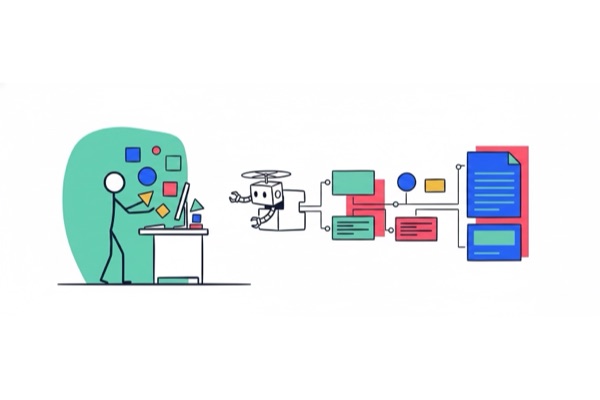
Turning Paths into Organisational Memory
CodeBots helps teams publish new paths into durable knowledge, so what works in one project can guide future work through Docs and ChatStudio.
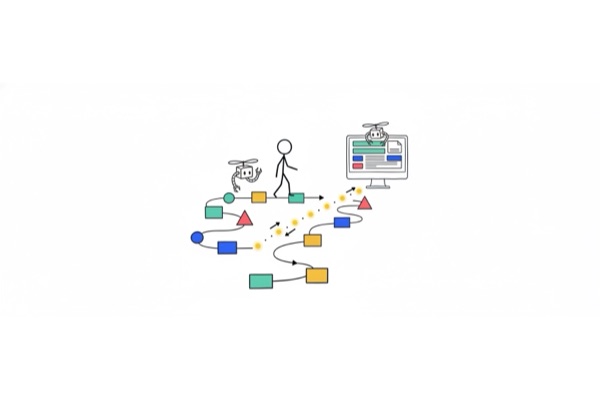
Follow Golden Paths with ChatStudio
ChatStudio Path Explorer helps teams follow golden paths instead of starting from a blank prompt, turning reusable bot knowledge into guided, governed work.

Bring Your Own Keys to ChatStudio and Keep Control
ChatStudio BYOK lets teams use the AI providers their organisation already approves, discover models directly from those providers, and calibrate execution without giving up control.